

Becoming a web designer is arguably one of the most in-demand career paths in today’s digital era. With the growing trend of career switching into the IT industry, the web design profession has gained increasing attention for the promising opportunities it offers.
If you are interested in starting a career as a web designer but are unsure where to begin, there is no need to worry.
In this article, Tonjoo has compiled some of the best website design resources for 2026 to help you learn and find inspiration for creating outstanding website designs.
Table of Contents
Recommendations for the Best Web Design Resources
Where to Find Inspiration
Before you start designing, seeking inspiration is a first step. You can do some research and explore the ins and outs of web design, including current trends, to gain fresh ideas and sharpen your visual sensibility. Reviewing examples of outstanding websites in Indonesia, categorized by their purpose and type of product, can also broaden your perspective and provide valuable references.
In addition, you can explore the following web design resources for even more inspiration!
1. Behance and Dribble
These two websites can be described as the “Instagram for designers.” Behance is where designers showcase detailed case studies of their work, while Dribble focuses more on quick, eye-catching visual highlights. From both platforms, you’ll gain a wealth of inspiration for layouts, color palettes, and the latest UI/UX trends.
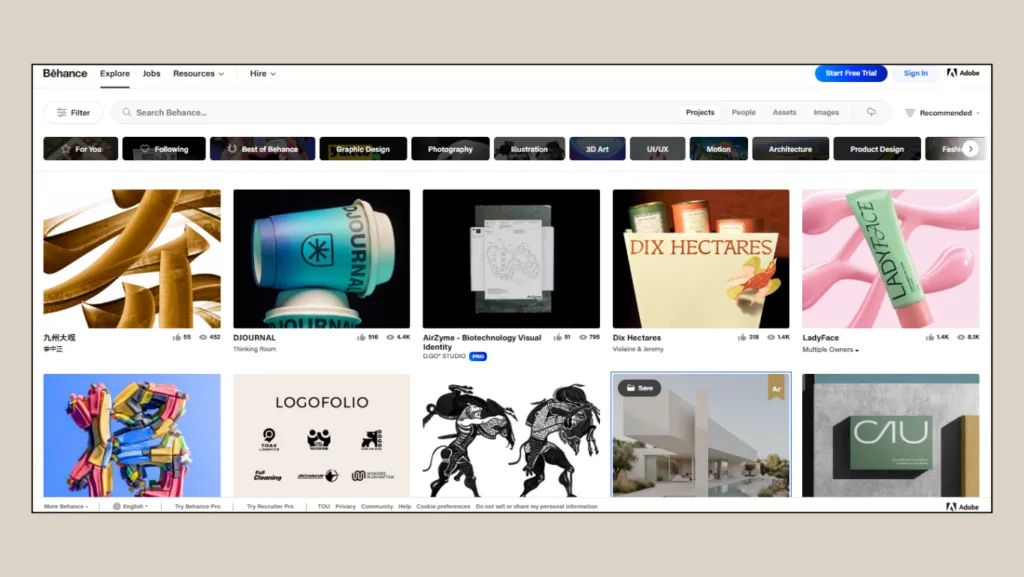
The Behance homepage
2. Awwwards
If you want to explore ready-made website designs, you can visit Awwwards, a curated gallery platform that highlights excellence in design, creativity, quality, and user experience.
The site showcases and evaluates outstanding websites from around the world, making it an excellent resource for finding inspiration regarding interactive websites, creative landing pages, digital portfolios, brand and campaign sites, modern typography, and much more.
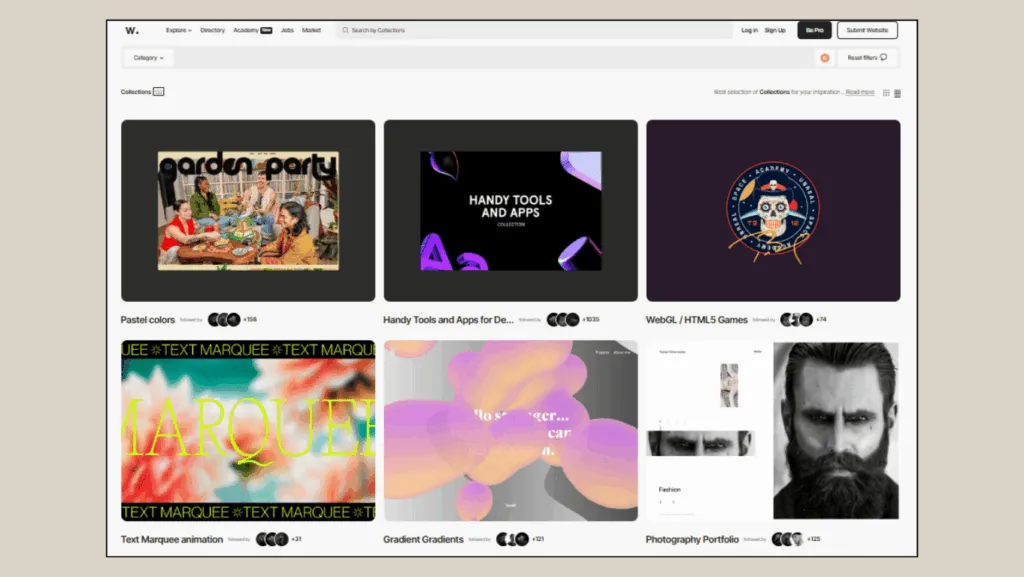
Awwwards Collection Page
One of the appealing aspects of Awwwards is that the featured examples are not merely a collection of design concepts but fully accessible websites that allow designers to experience their visuals, animations, and navigation directly within the browser.
Design & Prototyping Software
To turn your ideas into tangible designs, you’ll need capable design software. With the proper tools, you can create layouts, choose color schemes, refine typography, build UI components, and prepare prototypes before the website is actually developed.
Here are some design applications you can use to present your work to developers or prospective clients. For more advanced implementations, designs created here can serve as the foundation for AI engineering services provided by teams like GetDevDone, who transform prototypes into production-ready websites with embedded AI features.
1. Figma
Figma has arguably become the industry standard for web design. This web-based tool is lightweight and allows you to design and collaborate with your team seamlessly. Its free plan is more than sufficient for learning, building a portfolio, and even tackling your first professional projects.
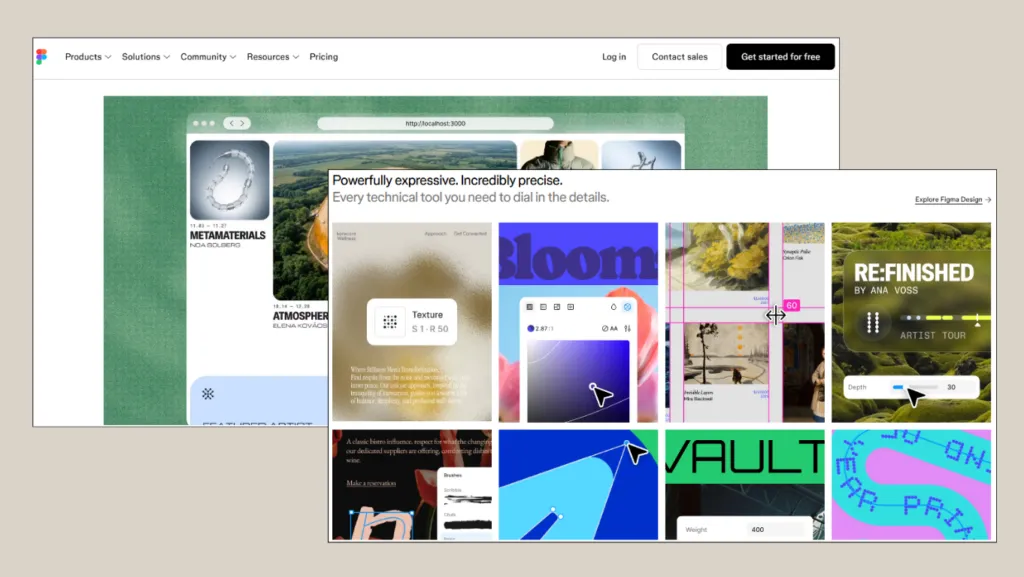
Figma has become the industry standard for many web development agencies today.
Figma comes equipped with a wide range of tools that support digital design needs, including frames, Auto Layout, components, variants, grids, and prototyping features.
2. Figma Alternatives
In addition to Figma, several prototyping tools such as Adobe XD, InVision, and Sketch are also widely used by web developers. If you use a desktop Mac or iMac, you are likely familiar with Sketch, which was designed specifically for the macOS ecosystem from the outset. Meanwhile, for those invested in the Adobe ecosystem, Adobe XD has long been a go-to solution for web design and prototyping. Both are compelling alternatives to Figma.
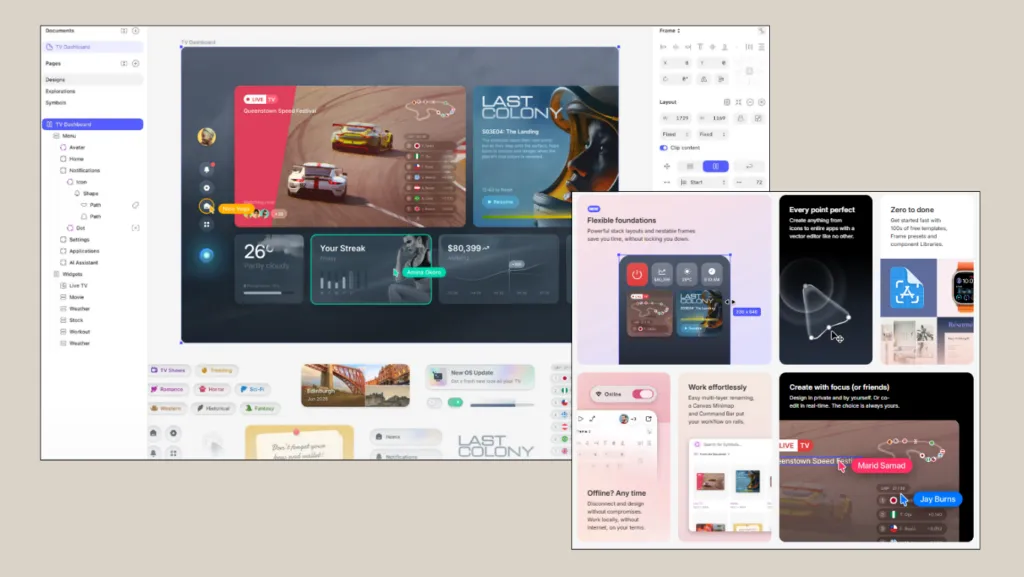
Sketch may deliver a more optimized performance on macOS devices.
Many web developers prefer Sketch because it’s relatively lightweight for UI/UX design work. Design files are generally easy to manage, especially when compared with more general-purpose and resource-intensive design software.
Learning Platforms for Designers
To further develop your website design skills, it’s important to learn from a variety of experienced sources.
Below are several learning platforms that you can use as references to improve your web design knowledge and abilities.
1. YouTube
YouTube is an incredibly comprehensive and free resource for learning web design. You can find almost anything here. Look for channels that cover:
- Figma tutorials for beginners.
- Videos on design principles (hierarchy, contrast, balance, etc.).
- Redesign case studies from professional designers. Channels like The Futur and Flux Academy are excellent starting points for free design education.
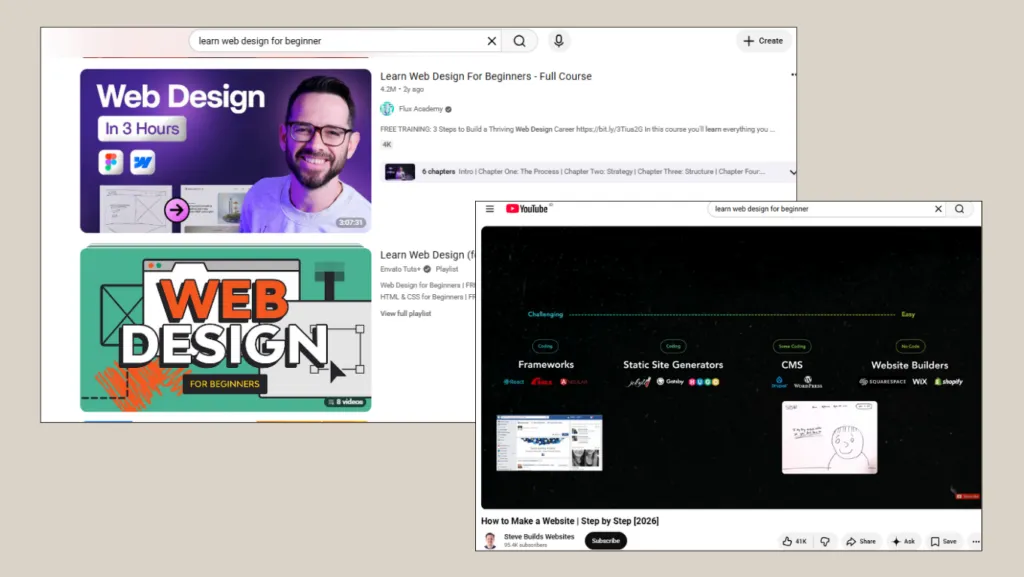
YouTube can be a great place to learn web design for free.
Flux Academy and WPU (Indonesian channel) are among the hundreds of popular channels that cover web design, especially for beginners who want to learn from scratch.
2. Coursera
If you would like to deepen your web design knowledge, Coursera can be an excellent next step. The platform offers a wide range of in-depth online courses in web design.
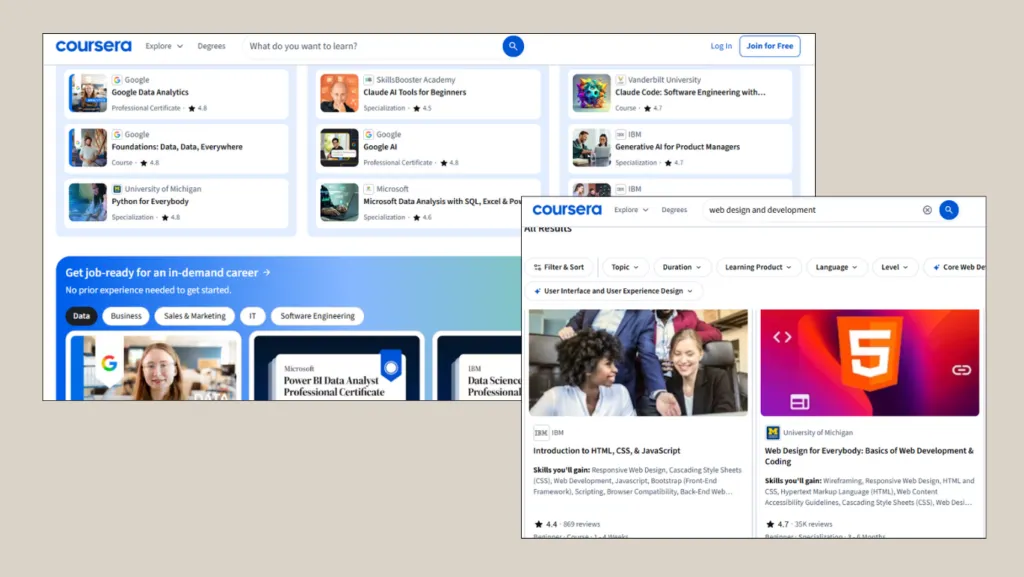
You can find courses covering a wide range of web design topics, including HTML and CSS, basic JavaScript, responsive web design, UI/UX design, interaction design, and introductory front-end development.
3. Design Blog: Smashing Magazine
If you prefer reading over watching videos, the Smashing Magazine blog is a fantastic place to learn. It features well-curated, in-depth articles and case studies that will significantly broaden your understanding of web design.
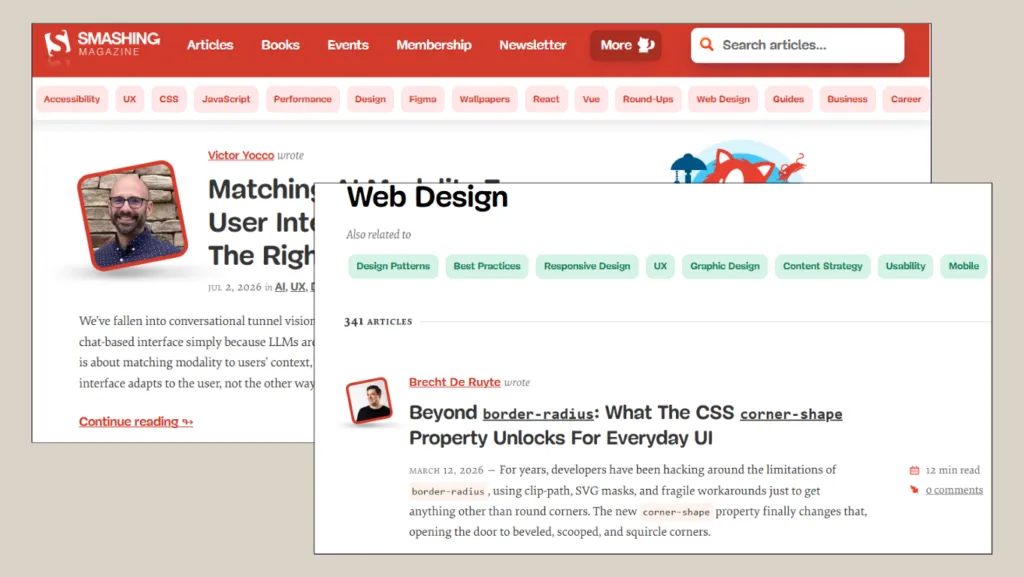
For web designers, Smashing Magazine is a valuable resource for understanding essential principles such as usability, accessibility, content structure, and user experience. These elements are crucial because a great website is not only visually good, but also easy to use, quick to access, and clear in the information it provides.
Free and Paid Design Asset Collections for Designers
Website design requires assets such as fonts, icons, and images. You can find many providers of free yet high-quality design assets on the internet. Here is a collection of free design assets for your consideration:
Free Fonts
One of the key elements of a website is typography, and font resources can help you discover the best typefaces for your projects.
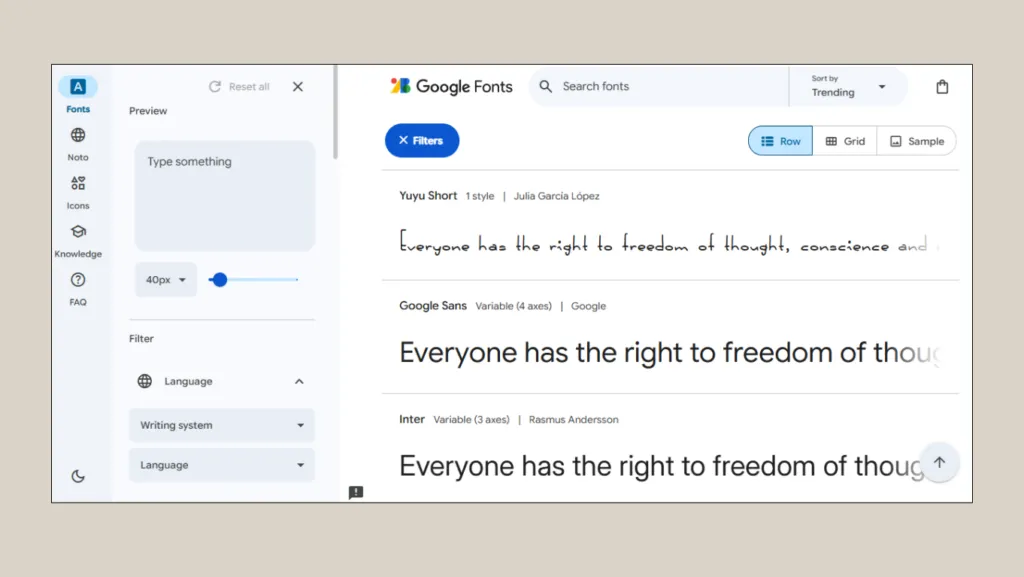
1. Google Fonts
A one-stop resource for all your typography needs, Google Fonts offers hundreds of free typefaces that can be easily downloaded or integrated into your website design projects. Many web developers and designers rely on Google Fonts as their go-to tool for sourcing typography.
2. Adobe Fonts
If Google Fonts doesn’t fully meet your needs, Adobe Fonts can be an excellent alternative. An Adobe Creative Cloud subscription gives you access to thousands of exclusive typefaces. The integration is seamless, so you can activate the fonts through your Adobe Creative Cloud account, and they will instantly become available in your design applications.
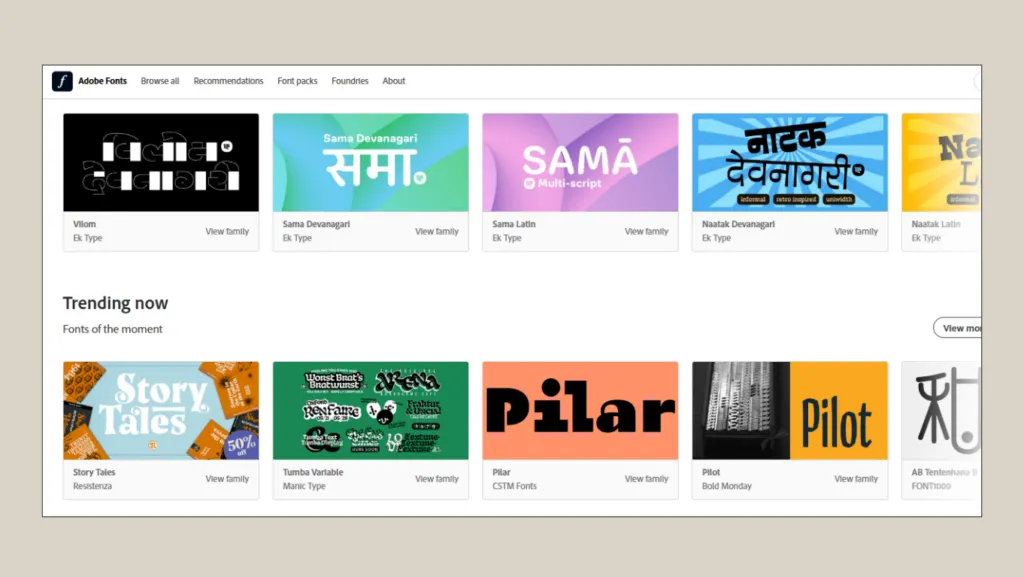
Adobe Fonts offers hundreds of typefaces with a more exclusive look.
Icons & Illustrations
Illustrations play a vital role in design, as they can clearly convey the purpose of a feature on a website or application. They can also serve as logos, which are crucial elements of a website, especially for brands and companies. You can use the following illustration and icon websites to enhance your website’s visual design.
1. Font Awesome
Font Awesome is an extremely popular choice for enhancing a website’s visual design. Moreover, a library icon is both comprehensive and easy to use. The free version of Font Awesome includes thousands of icons, making it an excellent resource for those who are just beginning to learn web design.
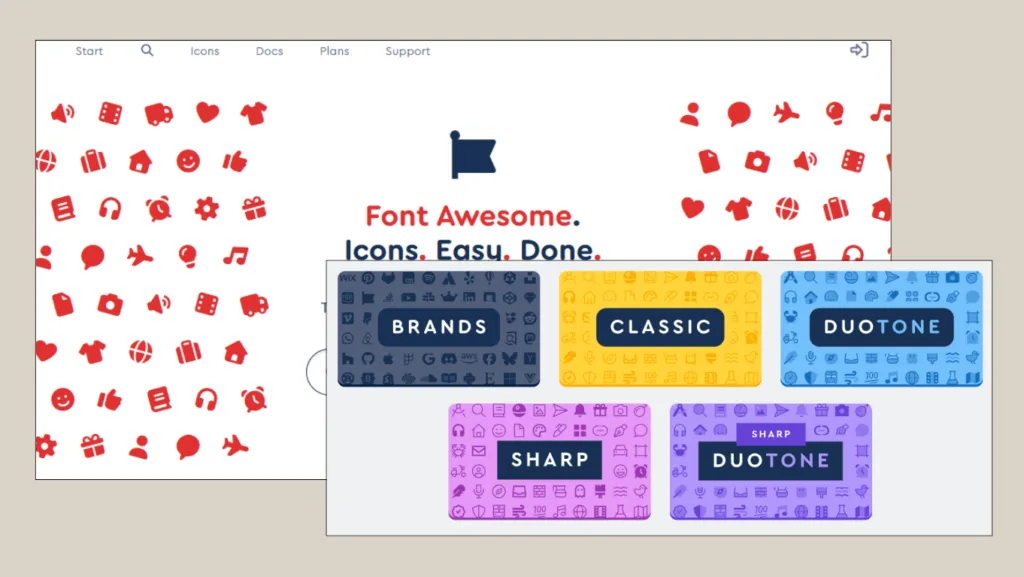
Font Awesome is widely used by web designers and developers because its icons are easy to integrate into websites. You can find a wide variety of popular icons in formats that are well-suited for web projects, including navigation buttons, social media icons, front-end applications, HTML/CSS-based websites, and dashboards.
2. Flaticon
Flaticon is recognized as one of the most popular icon websites and has been used by more than 18 million people worldwide. Its extensive icon library includes outline, filled, and colorful icons, as well as icon packs for a wide range of purposes. The premium version provides access to additional file formats and more flexible licensing options.
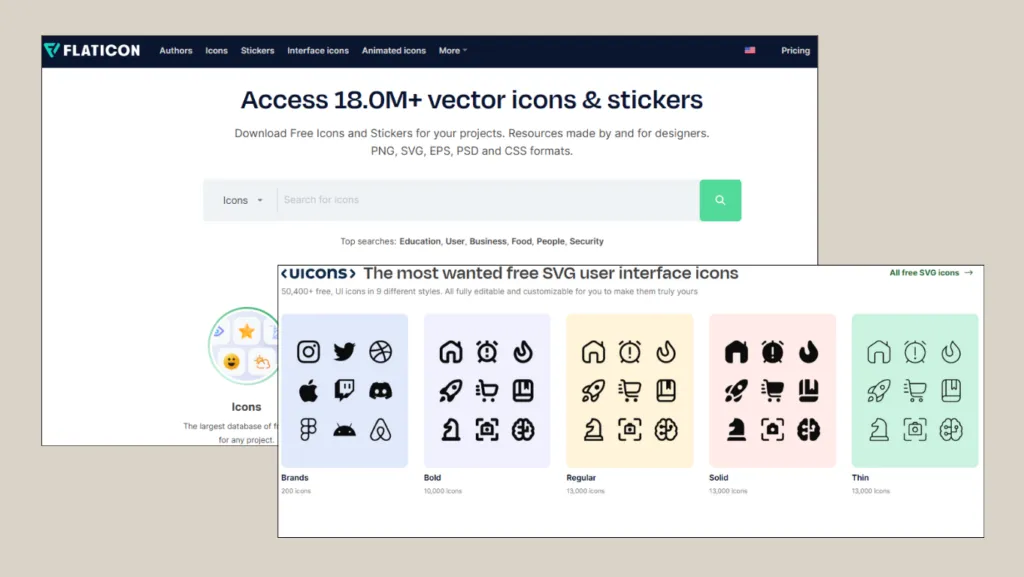
If you use Flaticon, please make sure to review the licensing terms, as some icons require attribution or a premium subscription.
Stock Photos
A website can feel flat without compelling photography. To create a more visually engaging experience, you should complement your site with eye-catching imagery.
Below are several stock photo websites that you can use:
1. Pexels
One of the best websites for finding free stock photos is Pexels. This platform, which offers both images and videos, is a go-to resource for many bloggers, web developers, and brands thanks to its vast collection of high-quality, artistic content that is easy to access. In addition, assets downloaded from Pexels may be used for both personal and commercial purposes.
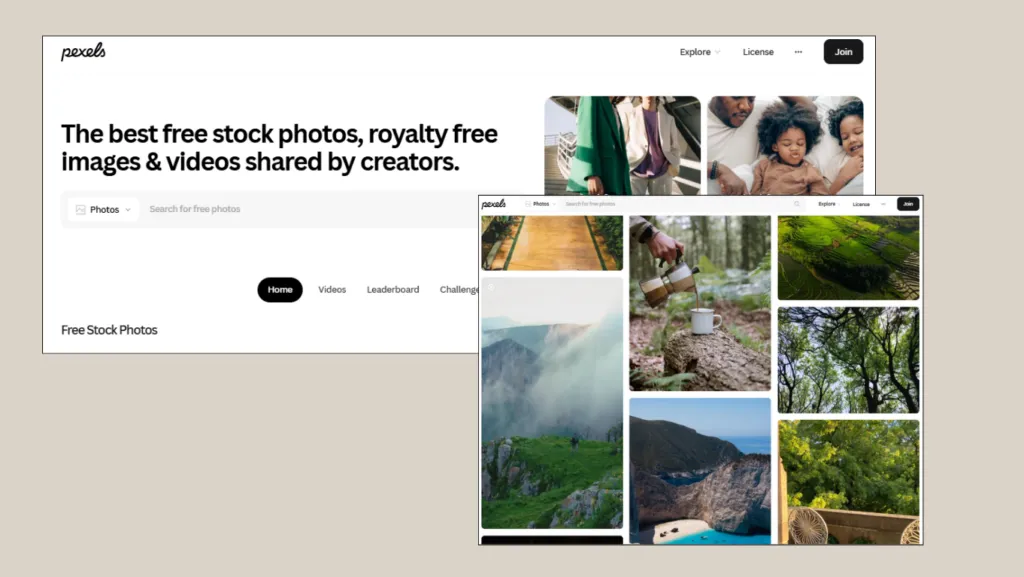
You can find tens of thousands, even millions of free, high-resolution photos on Pexels.
2. Shutterstock
For commercial projects, using premium stock photography is often essential. One of the most popular paid stock photo websites is Shutterstock. By paying a fee, you can access Shutterstock’s extensive collection of premium and exclusive images for editorial, creative, and historical purposes. As they are premium grade, many of these images may not be available on other platforms.
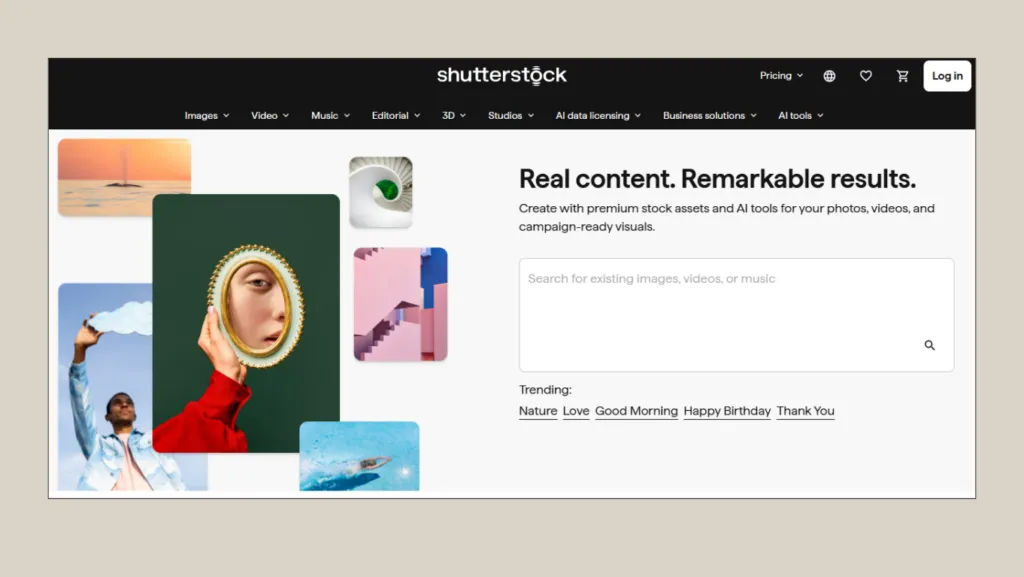
The price of photos on Shutterstock is determined by the contributors.
3. Adobe Stock
Integrated with the Adobe ecosystem, Adobe Stock offers millions of high-quality, royalty-free photos, videos, and design templates. For web developers, Adobe Stock is especially valuable because it streamlines the search for professional-looking visuals that are safe to use in commercial projects.
The photos, illustrations, and vectors available on Adobe Stock also tend to meet high visual standards, with clean, sharp aesthetics that are well-suited for medium-sized and large-scale business projects.
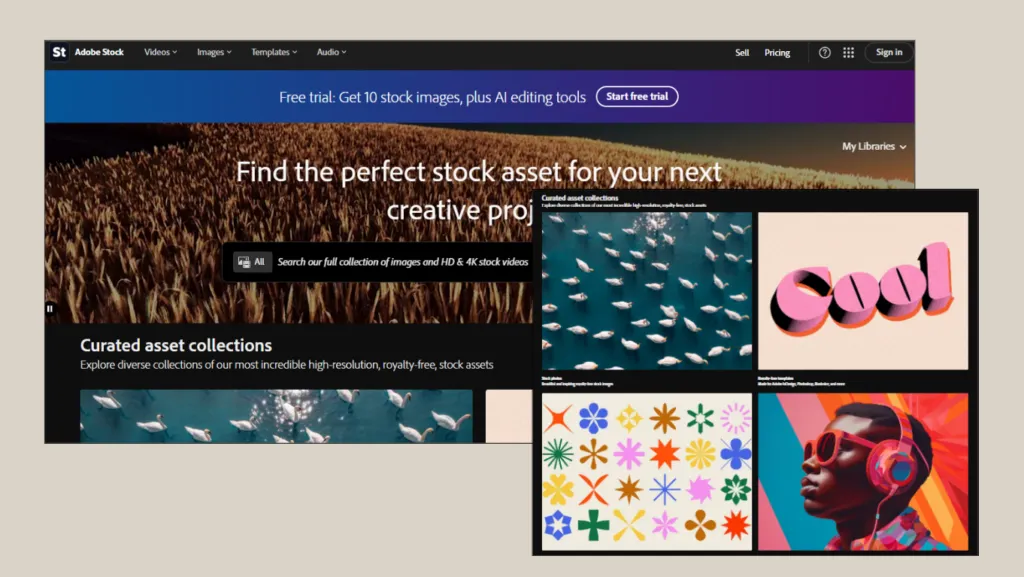
Design templates on Adobe Stock can be edited for both physical and digital projects.
Free Illustrations
1. unDraw
Need modern illustrations for your website? Check out unDraw. Its library provides hundreds of SVG illustrations that you can download for free. The most compelling feature is the ability to change the primary color of the illustrations directly on the website to match your site’s color palette.
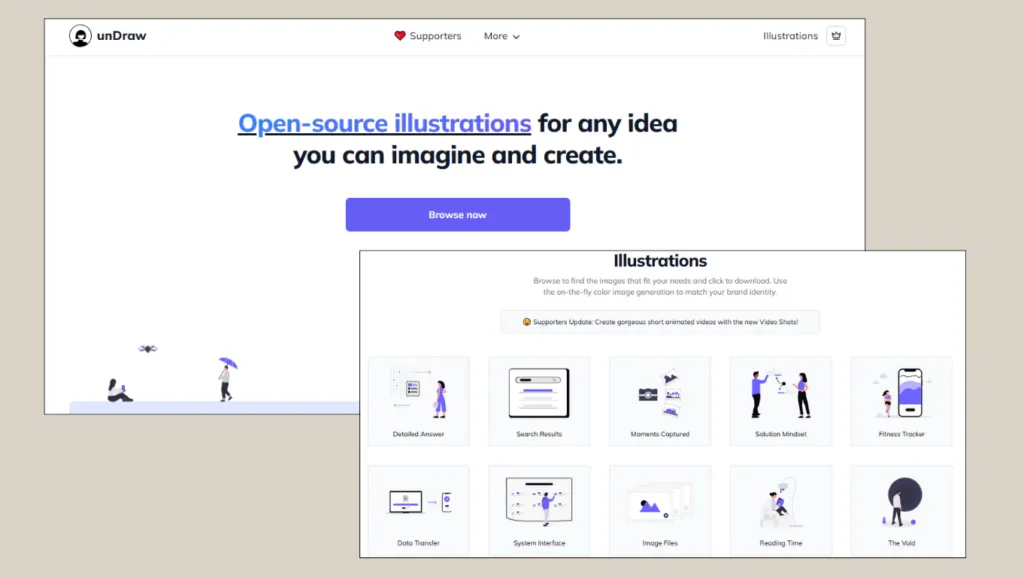
unDraw is one of the best places to get free illustrations for website design.
2. Magnific
It’s not only unDraw, Magnific (formerly Freepik) is popular resource among designers for finding website illustrations. It offers an extensive library of vectors, illustrations, icons, PSD files, and free stock photos.
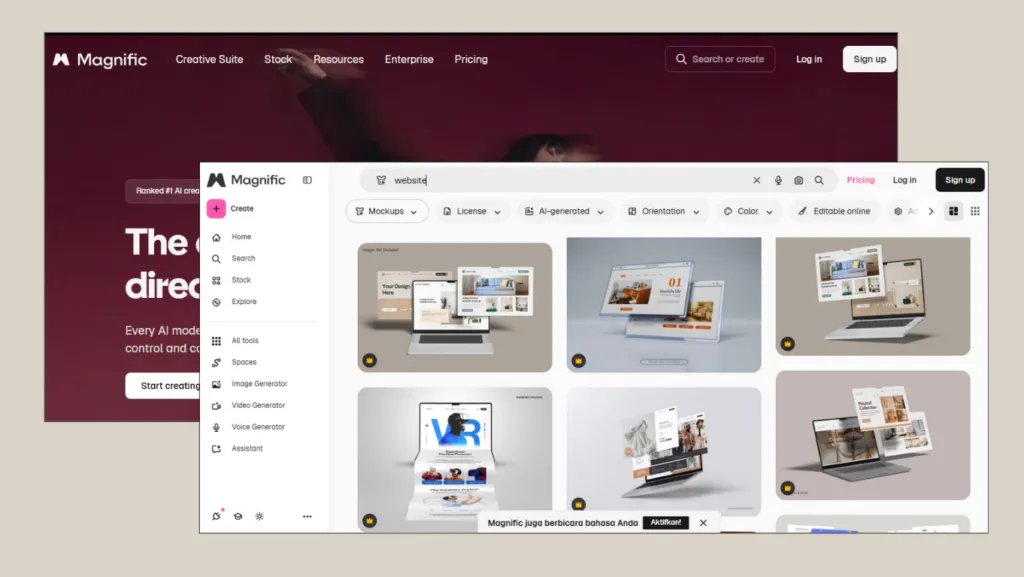
There are many design illustrations, mockups, and more on Magnific.
Many illustrations on Magnific are available in formats such as AI, EPS, SVG, and PSD. This means that colors, text, shapes, and other visual elements can be easily customized. For web designers, this flexibility is essential for creating illustrations that feel unique rather than generic or overly template-like.
What Are Your Favorite Web Design Resources for 2026?
There you have it, the best web design resources for 2026. Becoming a skilled web designer is not a quick journey; it involves many steps to become an expert.
As a starting point, it is a good idea to master a few essential tools that are free to use and widely regarded as industry standards. These include Figma for prototyping, Dribbble for design inspiration, and resources such as Google Fonts, Unsplash, and unDraw for free design assets.
As you become more proficient and start working on more serious projects, you can subscribe to paid assets. The next crucial step is to create a portfolio website to showcase your work. There are many advantages to having a website that you should know about.
If you encounter any challenges with your website design, especially during development and optimization, consider using Tonjoo’s website development services. With experience serving hundreds of clients like Gadjah Mada University, Jawa Pos, Aqua, and many others, we are ready to create a functional and sophisticated website tailored to your specific needs.
Read similar articles by Moch. Nasikhun Amin on the Tonjoo blog about WordPress, WooCommerce, plugins, and other web development topics.
